
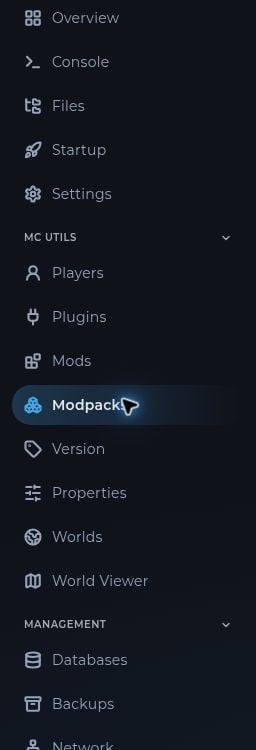
Open a server from the panel dashboard. Overview shows its status, uptime, address, node, and CPU, memory, network, and disk readings. The address is also available in the header on other server pages. The sidebar groups the tools into Essentials, MC Utils for Minecraft servers, and Management. Select a section to open its page. The server sidebar showing Overview, Console, Files, Startup, Minecraft tools, and Management

Use the console

Open Console to watch startup messages and game output. Enter a server command in the command field and press Enter. The console also has All, Warnings, and Errors filters and command history. Console commands usually omit the / that you type in Minecraft chat. Confirm the syntax for your game or plugin before running a command. Never share logs without checking them for addresses, tokens, or other private information.

Read resource usage

The graphs on Overview show recent CPU and memory usage. A brief spike during startup is normal. If the server repeatedly runs out of memory or crashes, check Console for the actual error and review recent mods, plugins, or settings changes.