Upload a world
You can move an existing Minecraft world to your Sculk server through the file manager or SFTP.1
Stop the server
Wait for it to fully stop before changing world files.
2
Prepare the world
Locate the folder containing
level.dat, region, and the other world data. Compress it for browser upload, or transfer the folder directly with SFTP.3
Upload and extract
Upload the world into the server’s root directory and extract it if necessary.
4
Set the world name
In
server.properties, set level-name to the uploaded folder’s exact name.5
Start and verify
Start the server and confirm that it loads the expected world.
Keep a backup of the original server world until you have verified the upload, player data, Nether, and End.
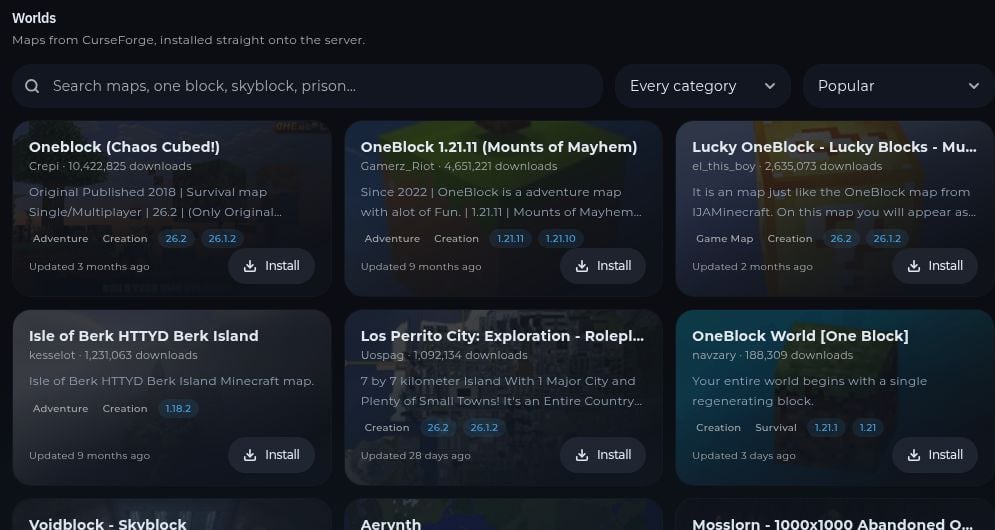
Install a map from the catalog
Open MC Utils → Worlds to browse CurseForge maps. Search for a compatible map and select Install. Make a backup first if you need to keep the current world.