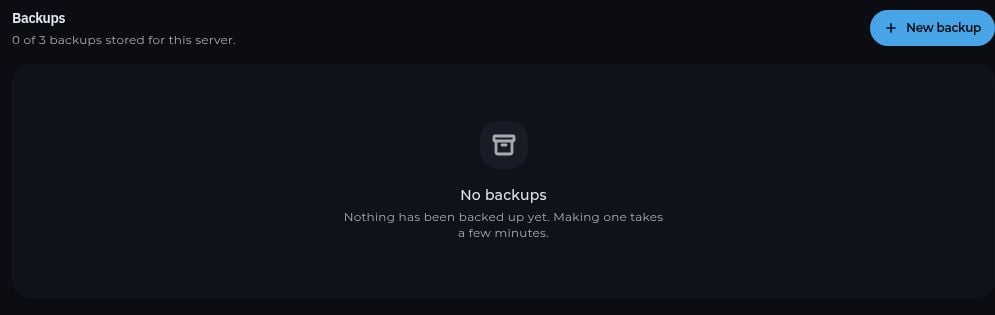
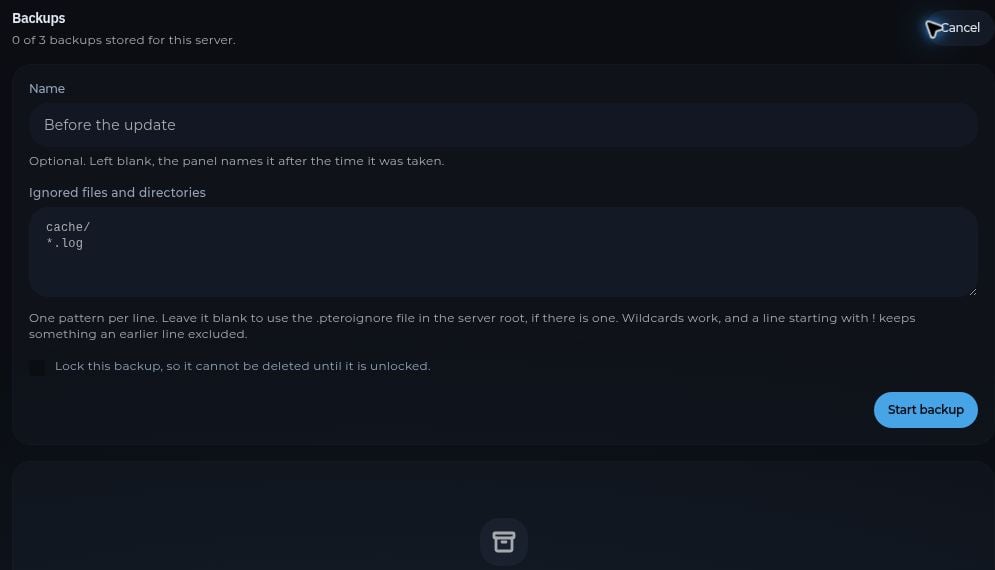
Complete the options shown in the panel and start the backup.
Wait until its status shows that it is complete before making changes.
The name is optional. You can exclude files with one pattern per line and lock the backup to prevent accidental deletion.Create a backup before installing a modpack, importing from another host, changing server software, or replacing a world. If the server has no free backup slots, check which backups you still need before removing any.
Choose a completed backup in Backups and use its restore action. Restoring replaces current server files with the saved version. If you may need the current state later, make another backup or download the important files first.
A backup stored in the panel is not a substitute for a copy you control outside the server. Download important backups when long-term retention matters.