
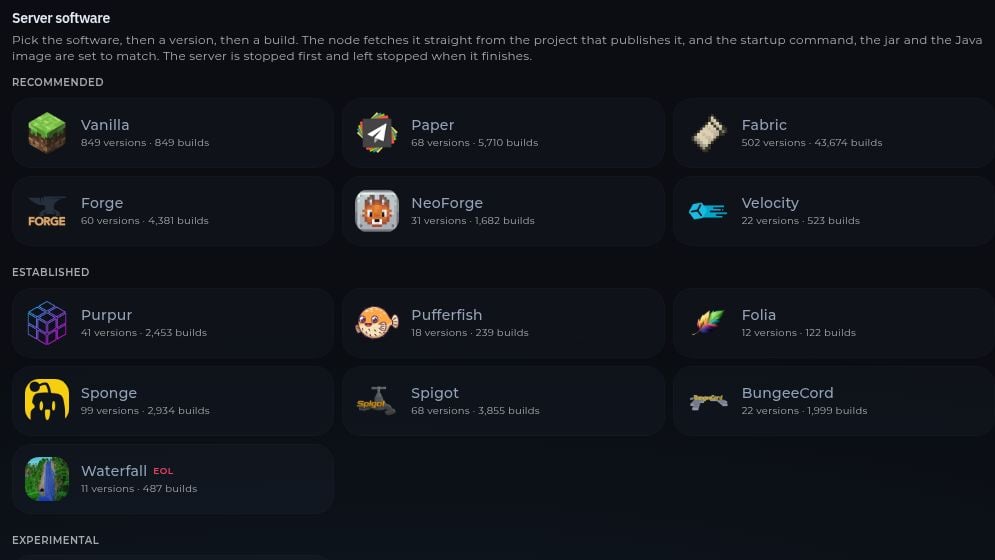
Before switching, make a backup. Changing server types can make existing plugins, mods, or worlds incompatible. The Version page says the server is stopped before installation and left stopped afterward. Review the console when you start it again.
For a specific version of Minecraft, also check the Startup variables if your game template exposes them. A server update does not update player clients, mods, or plugins for you.
When the server finishes starting, copy its address and connect from Minecraft.