Databases
Open Databases to see your server’s database limit and select New database. Follow the prompts, then use the connection details shown in the panel to configure your application or plugin. Treat the database password as a secret. A file backup may not include database contents, so export important databases separately before migration or major changes.Other users
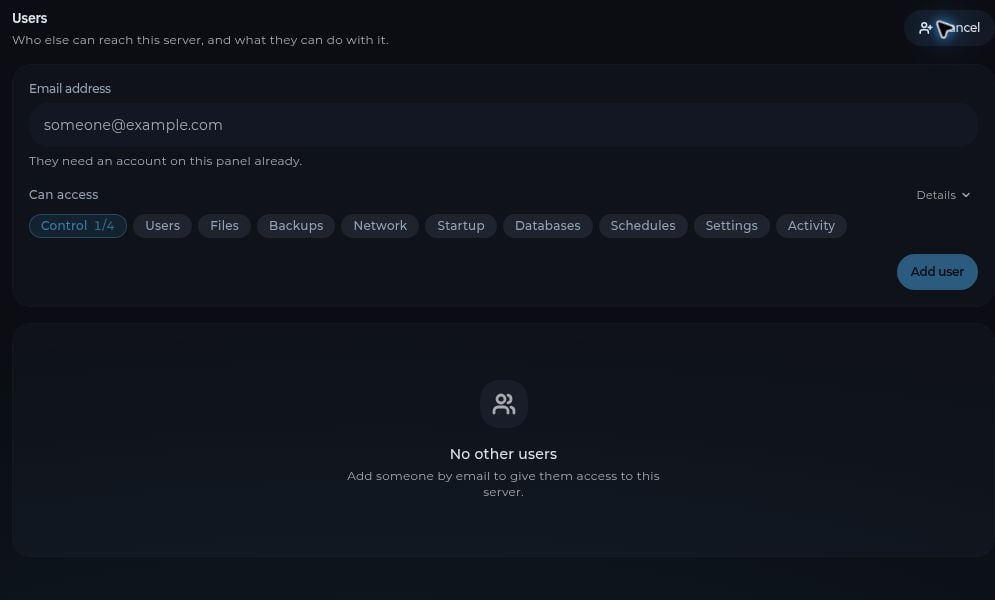
Open Users and select Add user to invite someone by email. Review the permissions you grant and give only the access they need. Remove access when it is no longer needed. Other users should sign in with their own accounts, not share your password.